

What you can connect
The test refuses MySQL before 8.3, Aurora MySQL included (Aurora MySQL 3 is
MySQL 8.0), and MariaDB: Midplane checks every MySQL query’s plan in a
format older servers lack. PlanetScale’s MySQL (Vitess) isn’t supported.
For anything else, such as Snowflake, use Request a source.
What you need
- A connection string, a read replica’s if you have one. Any user that can log in will do to start, an admin’s included.
- A way in: the database accepts TLS connections from your region’s egress addresses, or an SSH bastion that Midplane can reach does.
Connect it
On Sources, select Connect a database.1
Paste the connection string
What Midplane understood shows what it read before anything reaches
the database.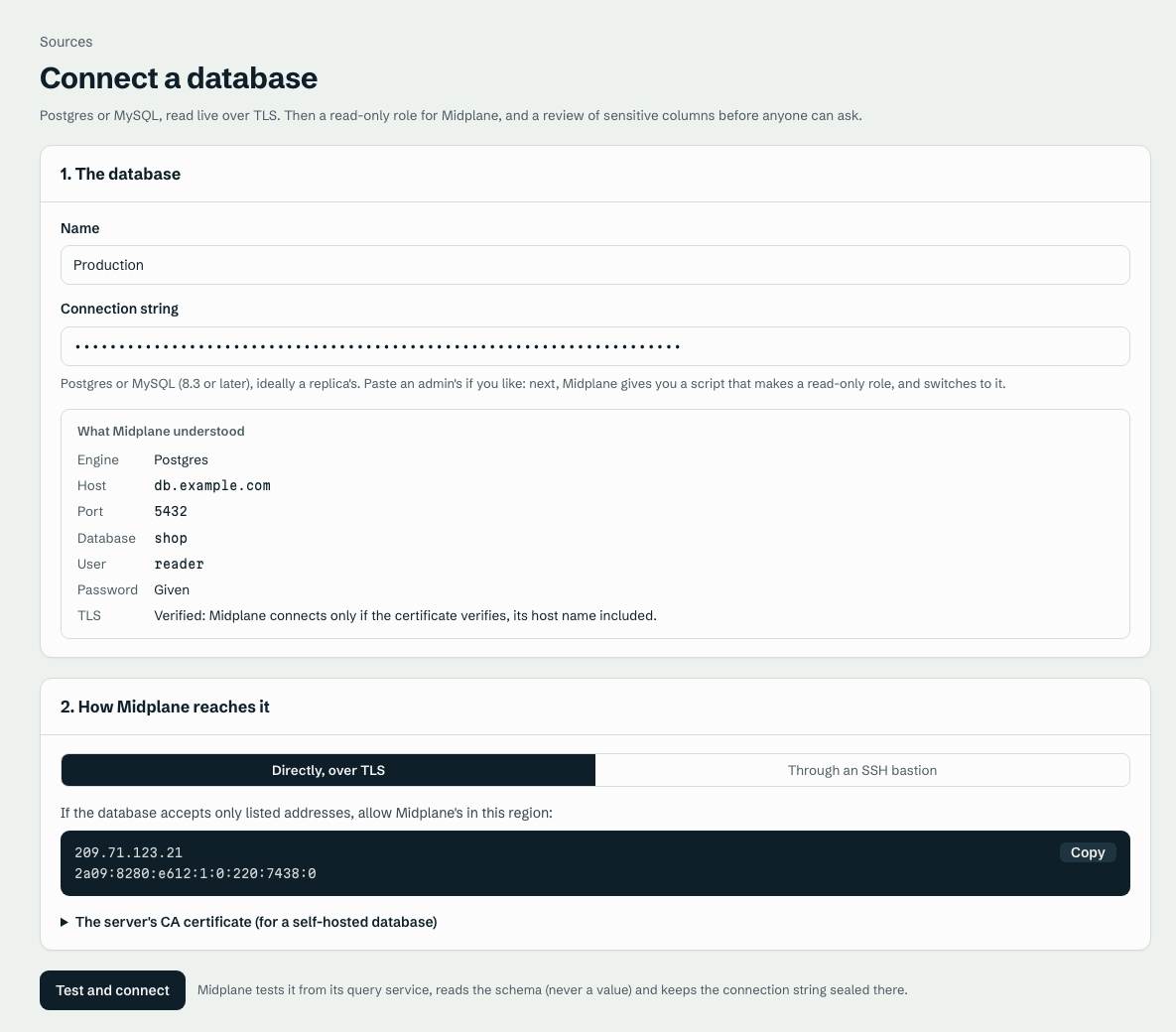
- Percent-encode
@,:,/,?,#and%in the password (@is%40). - A MySQL string ends with
/<database>, where Midplane reads. - File parameters such as
sslrootcertshow as Ignored: paste the certificate itself.
2
Choose how Midplane reaches it
Directly, over TLS: allow the two egress addresses the form shows,
if the database accepts only listed ones
(allowlists). Through an SSH bastion, for a
private network: Midplane makes a key line for the bastion
(SSH bastions).
3
Paste your CA certificate, if you run your own CA
Midplane already trusts the public authorities, RDS and Aurora, and
Supabase. A certificate from any other CA verifies only once you paste
that CA here (TLS).
4
Test and connect
Midplane connects, checks the server’s version, runs the role check and
reads the catalog (names and types, never a value), waiting up to 10
seconds. A failure says why in one sentence;
connection problems has a heading for each.
Give Midplane its own role
Under Midplane’s role on the source’s page, make the role script, run it as an admin and switch to it (the role script).Review its sensitive columns
No one can query a source until someone reviews it: select Review, check the masks Midplane suggests, and confirm (the review). Check: the source’s page says Answering, TLS verified and Reads only.If you need to change its credentials or remove it
If you need to change its credentials or remove it
Under Credentials, paste a New connection string for the same
host, port and database, and select Test and replace. Another
database is a new source: the review and access were made for this one.
Remove, at the foot of the page, deletes the source’s credentials,
SSH key and access; Activity keeps its entries.